Trajectory
The goal of this exercise is to demonstrate to the user how to adjust imagery, pointcloud and trajectory data based on GCPs measured in the previous exercise.
Relevant for: 3DM Content Manager
Preparations
Reference documentation
Preceding Exercises
Resources
- BE Gent\MMS Orbit Runs
- BE Gent\Ground Control Points
Exercise
Adjust the trajectory by using ground control points.
- Open the run
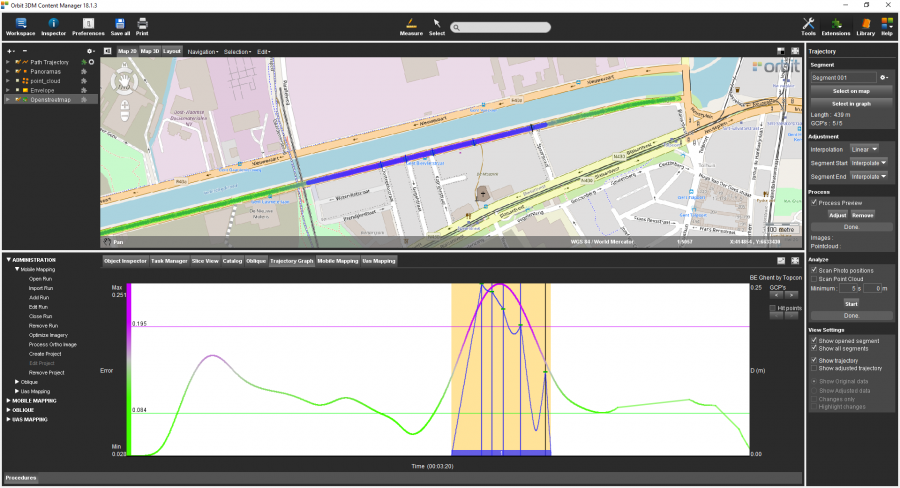
BE Gent by Topcon. - Open the Trajectory extension.
- Create a new segment
by selecting on the Map a segment around the the measured GCPs. - Adjust the data
using “Linear” interpolation method, and using “Interpolate” at segment start and end. - Process a preview.
- Check the result
of the adjustment preview.
Results
Last modified:: 2019/03/25 11:36