Table of Contents
Slice View
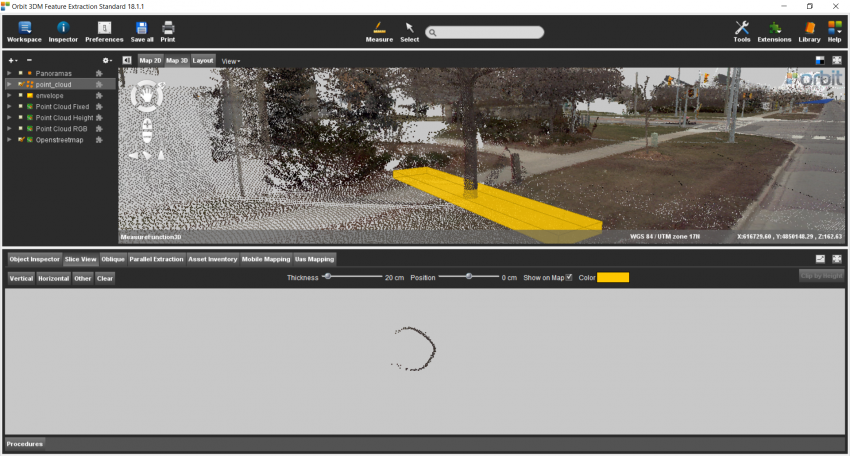
The goal of this exercise is to show to the user how make horizontal and vertical slices in Map3D. The user will be able to create and edit slices by changing their parameters, such as position and thickness.
- Relevant for : 3DM Feature Extraction, 3DM Content Manager
- Product use for recording : 3DM Feature Extraction Standard 18.1.1
Preparations
Reference documentation
Preceding Exercises
Resources
- CA Toronto/MMS Orbit Runs
Exercise
Create vertical and horizontal “Slice View”
- Add run
Add the run CA Toronto by Optech. - Create vertical slice
- Position slice
Position the slice in the center of the street. - Edit Slice
Change the thickness of the slice to 50cm. - Create horizontal slice
- Position slice
Position the slice through a tree trunk. - Position slice
Adjust the height until it displays the contact between the trunck and the ground.
Results