Table of Contents

Bundle Adjustments
|
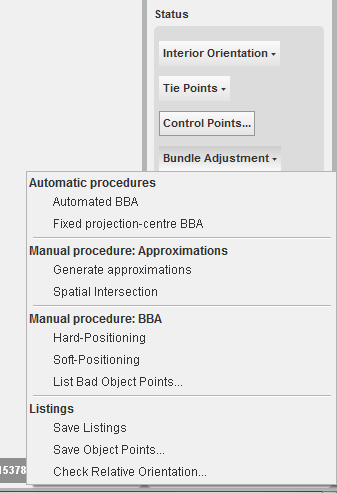
In this status section, the functions for the bundle adjustment are available: Automatic procedures Manual procedure: Approximations Manual procedure: BBA Listings
|
Automated BBA
This method starts an automated Bundle Block Adjustment calculation. A Bundle block Adjustment is a mathematical technique (triangulation) that determines the position and orientation of each image as they existed at the time of image capture, determine the ground coordinates measured on overlap areas of multiple image, and minimizes the error associated with the imagery, image measurements, and GCP’s. This is essentially a simultaneous triangulation performed on all observations. Different functions like the calculation of approximations, automated blunder detection, and least square adjustment are executed in this automated BBA. Most of these functions are also individually available using this set of menu functions below.
Conditions to run this method are:
- Enough Control Points (at least 3)
- Sufficient tiepoints must be available.
As long as the BBA is running, the next message will appear.

In case that the bundle adjustment converges, the next message will inform you about the process.

Fixed Projection-centre BBA
Under development.
Generate approximations
This function starts a calculation of approximate projection centres for the images and object coördinates, using a least squares adjustment procedure. If it runs succesfully, the below-mentioned message will appear. The better the approximations are, the faster and easier the triangulation will be.
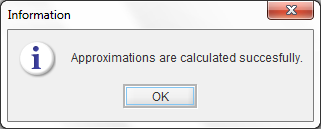
If it doesn't run succesfully, a message will appear with some help to find out the problem (e.g. no control points, single tiepoints, etc.). After the determination of the approximations, the bundle adjustment must still be executed.
Spatial Intersection
This function resets the objectpoints by a spatial intersection, using the available projection centres and oriëntation parameters.
Hard-Positioning
This least squares adjustment keeps the control points fixed.
If the adjustment converges, then a set of result files are saved
next to the project files.

After the bundle block adjustment the oriented images will be shown in the mapcanvas (see figure beside).
Soft-Positioning
This adjustment allows that the controlpoints receive corrections.
If the adjustment converges, then a set of result files are saved next to the project files.
In case that the bundle adjustment converges, the next message will inform you about the process.
List Bad Object Points…
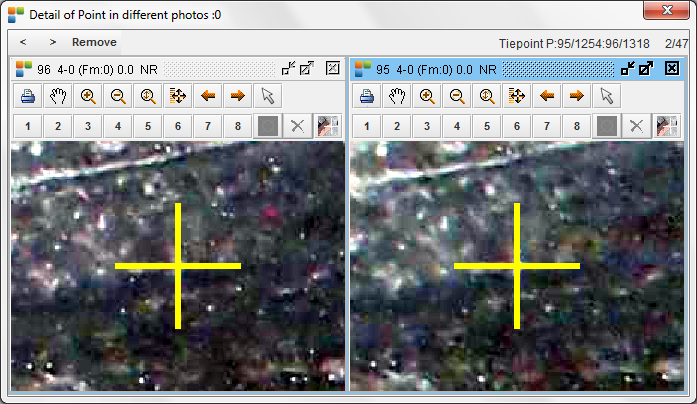
This function opens a dialog showing the worst tiepoints. The criterium is a treshhold for the errors on the observations. Right click on the records (or selection - edit) will open the couple of images, wherein the mathed point can be deleted or edited.
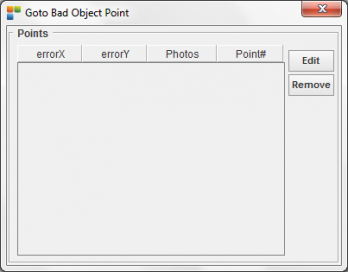
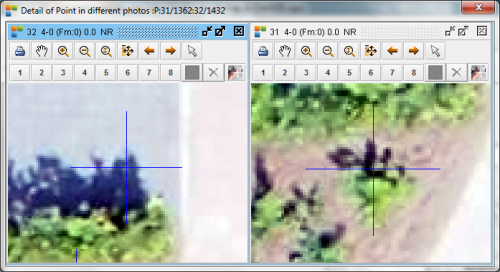
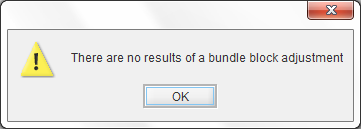
Of course, you need to do first a bundle block adjustment. Otherwise, the message as showed below will appear.
Save listings
This functions will open the below-shown window and gives the possibility to save a set of result files and statistics describing the adjustment, in case that the bundle adjustment converges.

The 'Generate HTML report' creates a general report (that can be saved as *.pdf) with different figures and facts ready for interpretation.
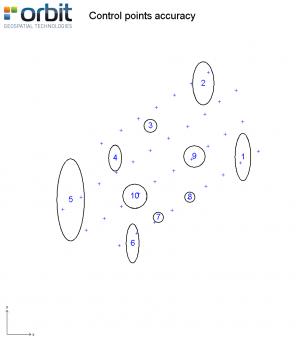


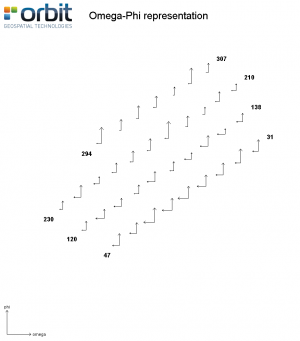

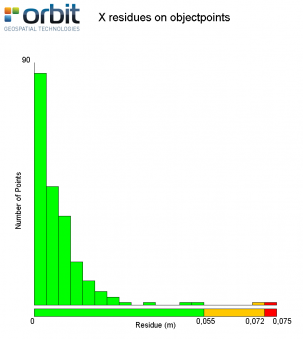
The other 'Save Listings' function creates the following files:
- '{projectname} AllResultsWithResidues.txt': this text file lists
- the calculated coordinates of the projection centers,
- the orientation parameters,
- the object point terrain coordinates and the GCP's with each their respective MSQE values and the standard deviation.
In case of hard positioning no MSQE values for the GCP's exist, the mentioned MSQE's are in that case replaced by the residues calculated by resection.
- '{projectname} EO.txt': this text file lists the terrain coordinates of the projection centers and the flight orientations.
- '{projectname} ObservationsWithResidues.txt': this text file lists for each image the coordinates of all the tiepoint with their residue expressed in the camera coordinate system. Tiepoints with high residue values are indicated with an arrow at the end of the record. The indication occurs when the w-value is greater the 'wtestlimit1' (see values in Strabo.ini). These points are selectable through the 'Goto Bad Object Point …' dialog and are ready for manual inspection and correction right after the adjustment calculation.
At the end of the listing it is mentioned how many percent of the points has a w-value smaller than 'wtestlimit1' and how many percent of the points have a w-value smaller than 'wtestlimit2'.
- '{projectname} WorstPoints.txt': This file is a sublist of the previous list containing only the worst points (biggest error) per image.
- '{projectname} RemainingParallax.txt': this text file lists the object points with the degree of vertical parallax remaining in respective object point.
- '{projectname} Statistics.txt': this text file lists the main statistic results of the bundle block adjustment, i.e. :
- type of adjustment,
- number of control points,
- number of photos,
- number of object points,
- number of image point measurements and
- number of observations,
- the degree of freedom,
- the a-priory standard deviation for the observations
- the a-priory standard deviation for control points
- the number of iterations,
- Sigma Naught
- F-test.
- '{projectname} TiePoints.txt': this text indicates how many times each image point has been measured and in which photographs.
- '{projectname} ObjectPoints.txt': This file shows a list of all the object points and their coördinates.
- '{projectname} ObjectPointErrors.txt': This file shows a list of the relative oriëntation results per stereo-model, only tiepoints are listed, no control points.
- '{projectname} ControlPoints.txt': This file shows a list of all the control points and their coördinates.
- '{projectname} ControlPointErrors.txt': This file shows a list restricted to the control points, of the relative oriëntation results per stereo-model.
- '{projectname} ObjectPointErrors_fullListing.txt': This file shows a relative oriëntation report on all possible couples defined in the 'Model Editor', also the Strip-overlap couples are mentioned.
Specific Terms:
W-Value The w-value is the ratio between the residual of the observation and the standard deviation on the observation.
Sigma Naught Sigma Naught is the mean square error (MSQE) of the observation resulting from the adjustment of the observations.
F-test
The F-test is the ratio of Sigma Naught and the a priori standard deviation on the observation (See project Settings). On this value you can decide to accept the adjustment results or not. If F-test is to big (a lot greater than 1), there are obviously remaining bad tiepoints. You can inspect these bad points in the file '{projectname} ObservationsWithResidues.txt'. In case of bad points, the (x,y) residue value is in fact the vector from the observed image point to the adjusted position. The adjusted location is in fact the image point coordinate plus the residue vector for not rotated images. For rotated images you must subtract the residue vector from the image point location to find the adjusted location.
Save Object Points…
This method gives the opportunity to save the objectpoint-coördinates in a separate file.
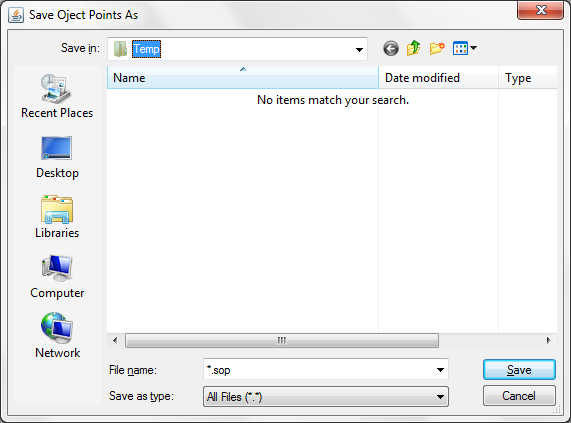
Check Relative Orientation...
This method checks the relative orientation of the stereo couples. It lists the couples with a bad relative orientation.
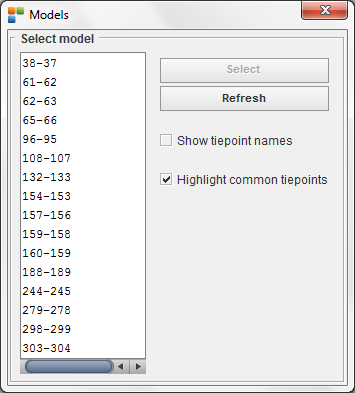
Selecting a couple of images will open both images with the matched points.
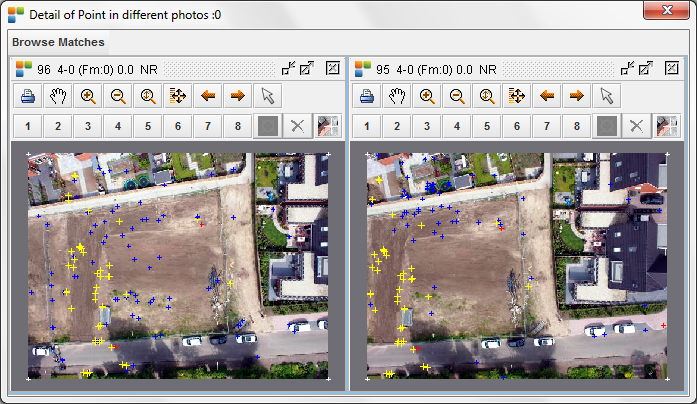
Now you can browse the matched points (select 'browse matches') one by one (and add or remove if necessary).